DroidDock opens your Android phone on your Mac like a Finder window. Plug it in over USB, then browse, preview, download and upload files with the views and shortcuts you already know.
⬇ Download the latest DMG · Apple silicon Mac · macOS 26 or later · free and open source
Guides
- Install: download, drag to Applications, get past the first-launch warning
- Using DroidDock: connecting a phone, views, transfers, shortcuts, troubleshooting
- Building from source: Xcode project, bundled libraries, making the DMG
Why another Android file app?
Android File Transfer is gone, and most alternatives are slow, subscription-based or feel nothing like a Mac. DroidDock is a native SwiftUI app:
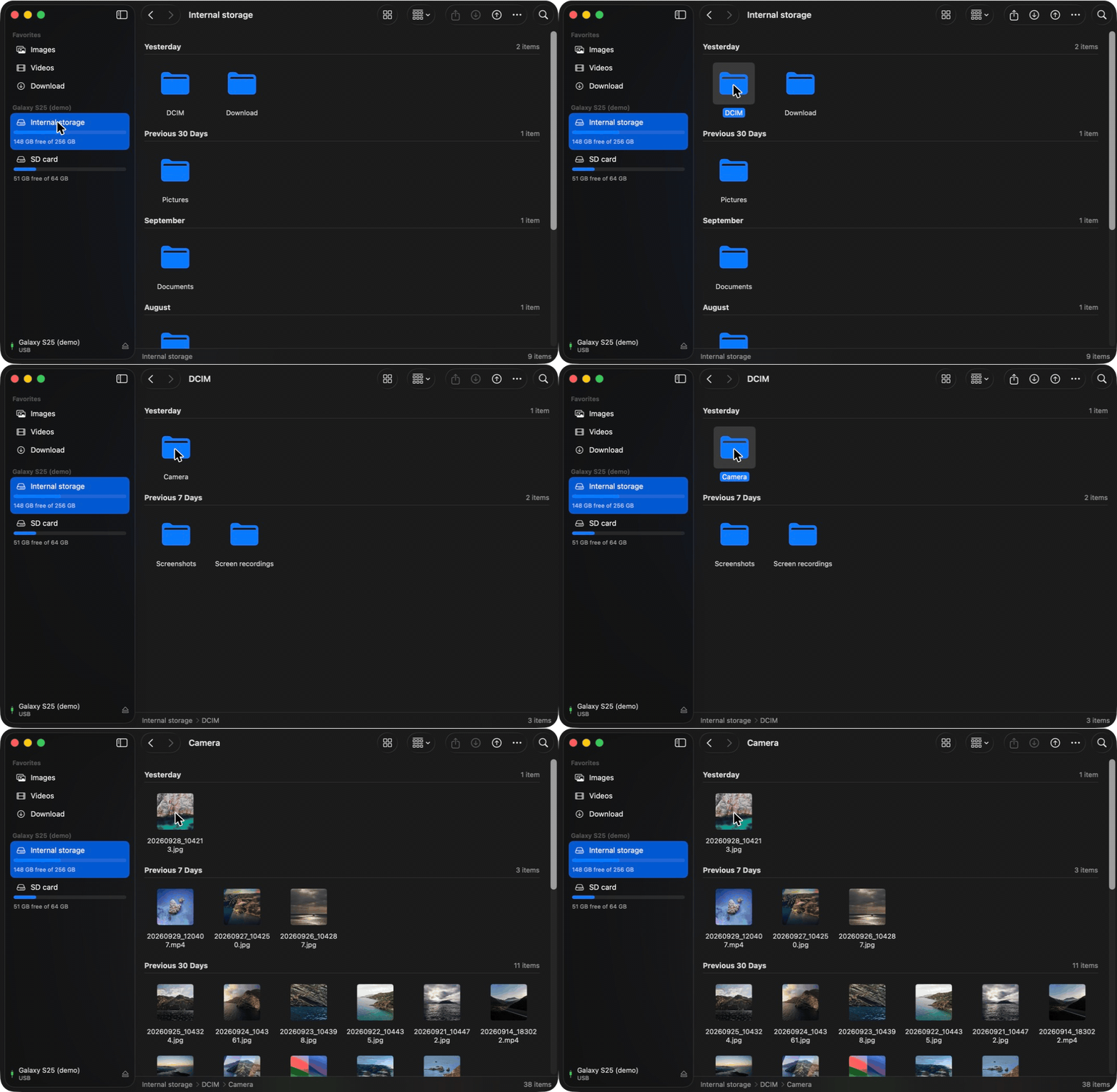
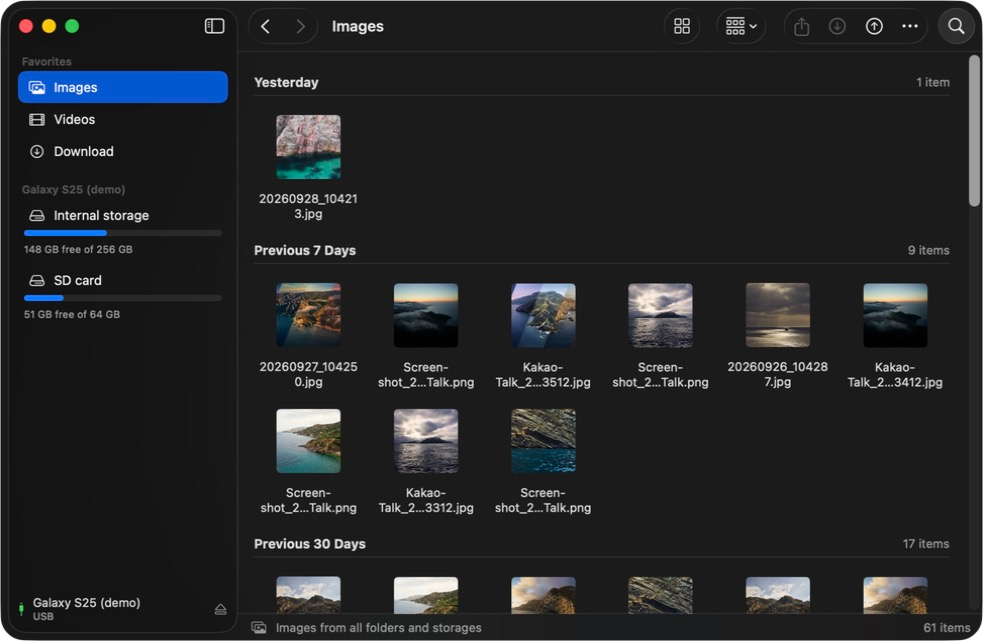
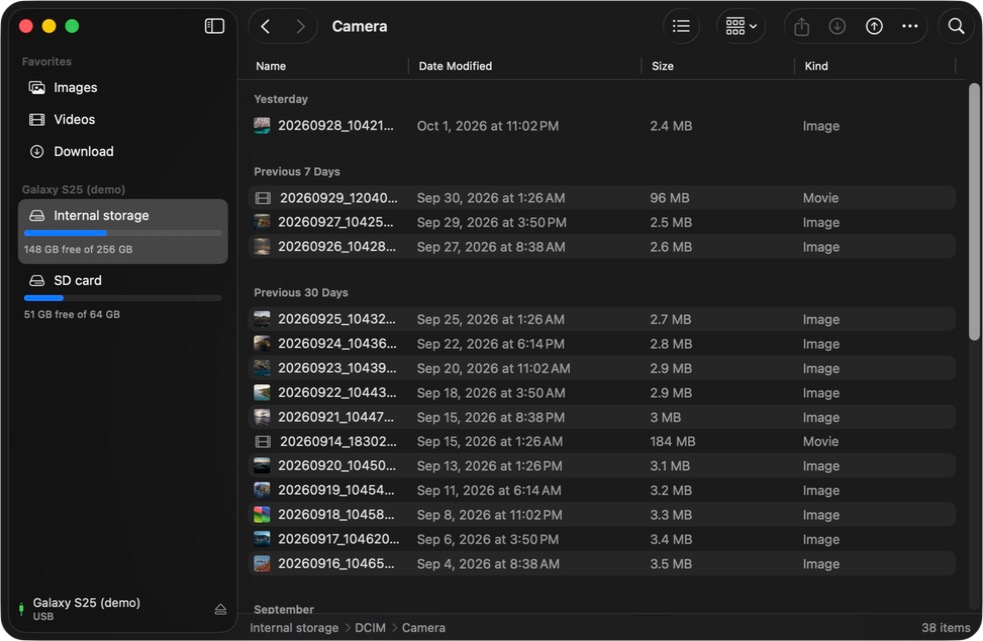
- Finder-style: Icons, List, Columns and Gallery views, sidebar Favorites, Back/Forward, Get Info
- Photos first: Images and Videos gather every camera shot, screenshot and recording into one place, with thumbnails
- Two ways in: MTP (“File transfer” mode) works on any phone; with USB debugging on it switches to adb, which lists huge folders in about a second
- No Homebrew needed: the DMG bundles everything it uses
Screenshots
| Icons | List |
|---|---|
 |
 |
| Columns | Gallery |
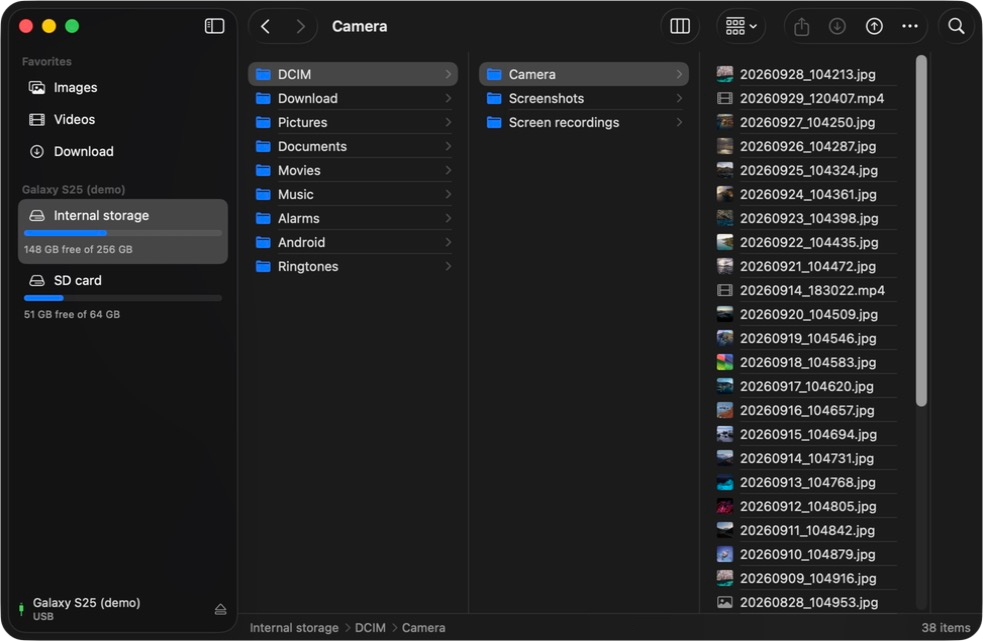 |
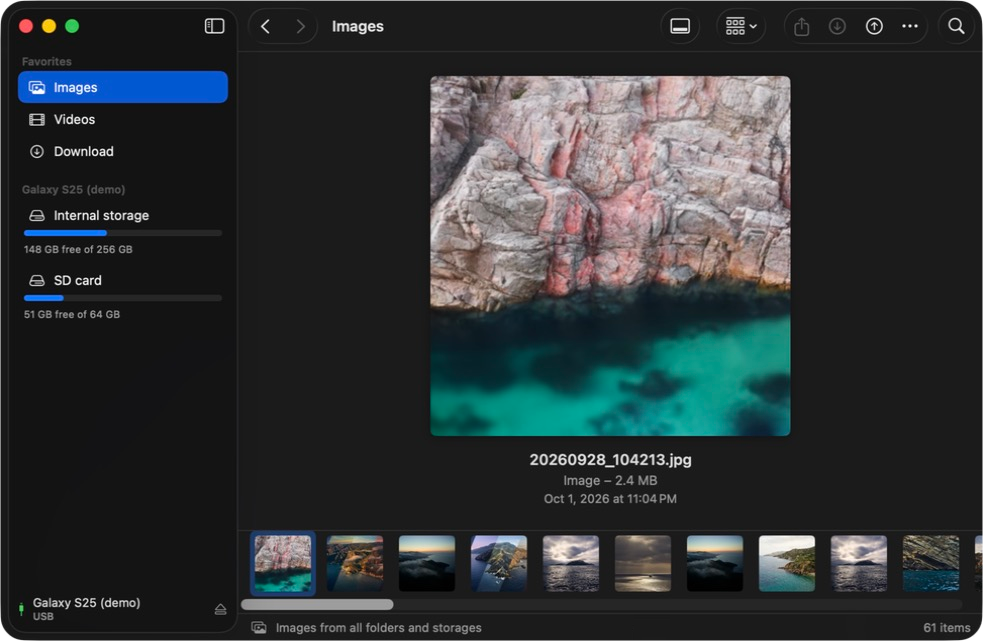 |
Screenshots use the built-in demo phone: open /Applications/DroidDock.app --args -demo.